> For the complete documentation index, see [llms.txt](https://docs.ohmautomation.io/llms.txt). Markdown versions of documentation pages are available by appending `.md` to page URLs; this page is available as [Markdown](https://docs.ohmautomation.io/android/guide/shortcuts.md).
# Scorciatoie
Le *Scorciatoie* sono una delle funzioni più utili, perché ti permettono di eseguire in un colpo solo numerose operazioni.
{% hint style="info" %}
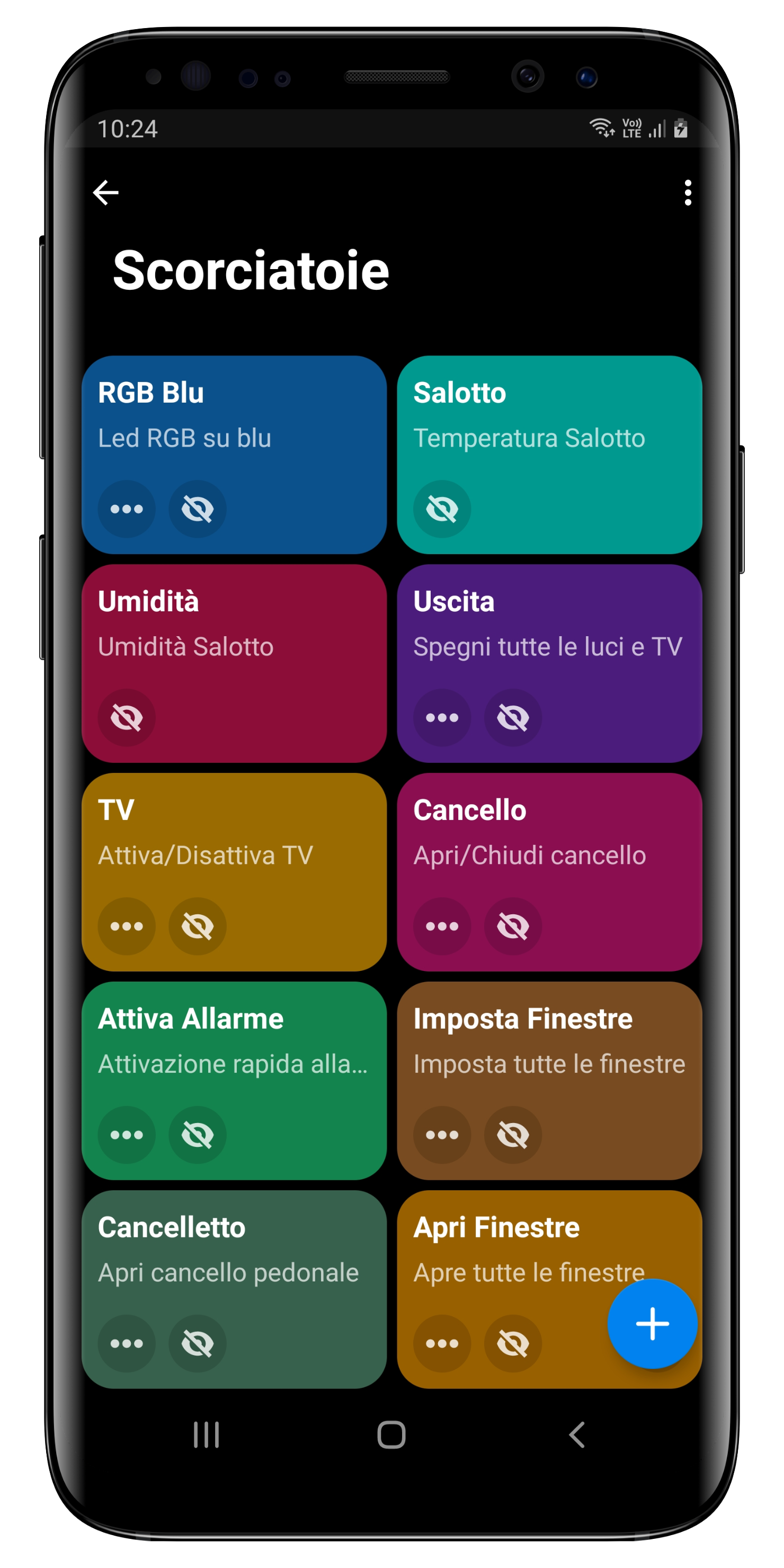
Le Scorciatoie create dal tuo tecnico sono legate al sistema e quindi non possono essere modificate (puoi comunque nasconderle), ma accedendo alla pagina dedicata, puoi aggiungerne di nuove.
{% endhint %}
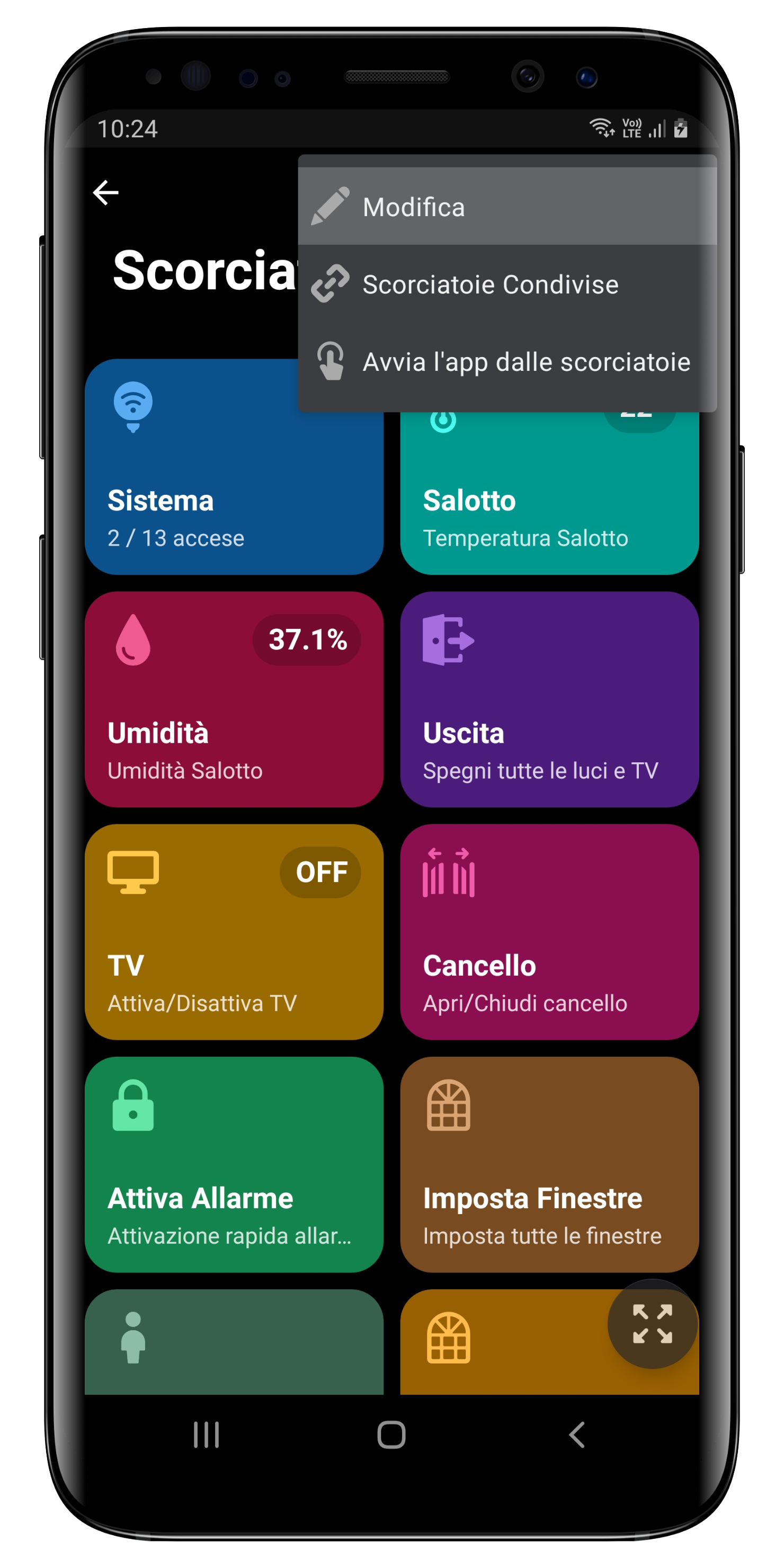
Clicca sul tasto con i tre puntini in alto a destra, quindi su *Modifica*.
Per aggiungere una nuova Scorciatoia è sufficiente cliccare sul tasto **+** in basso a destra.
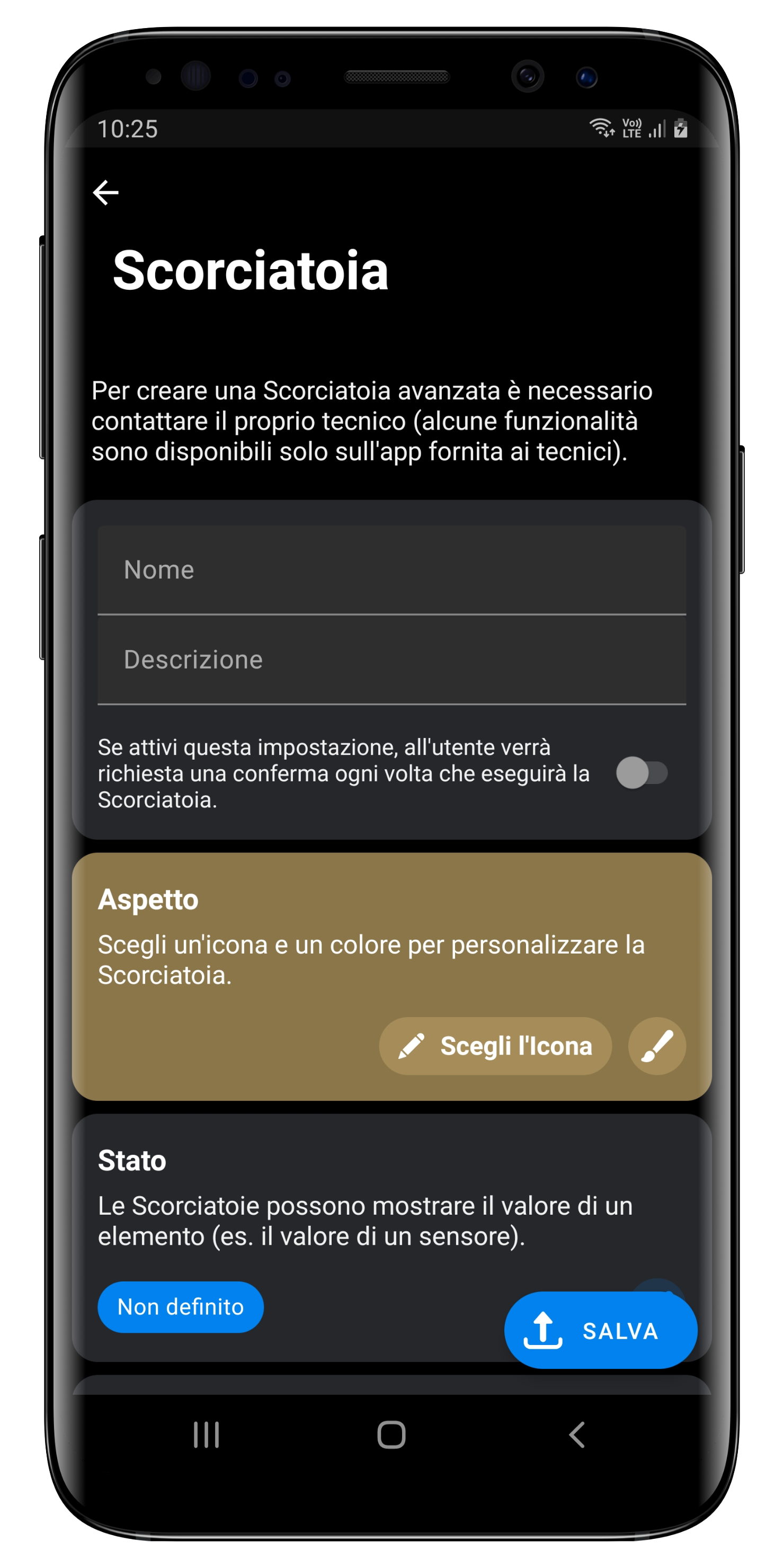
Puoi personalizzare l'aspetto (colore e icona), assegnare un nome e una descrizione, definire le operazioni e l'eventuale stato di un elemento.