> For the complete documentation index, see [llms.txt](https://docs.ohmautomation.io/llms.txt). Markdown versions of documentation pages are available by appending `.md` to page URLs; this page is available as [Markdown](https://docs.ohmautomation.io/en/android/guide/automations.md).
# Automations
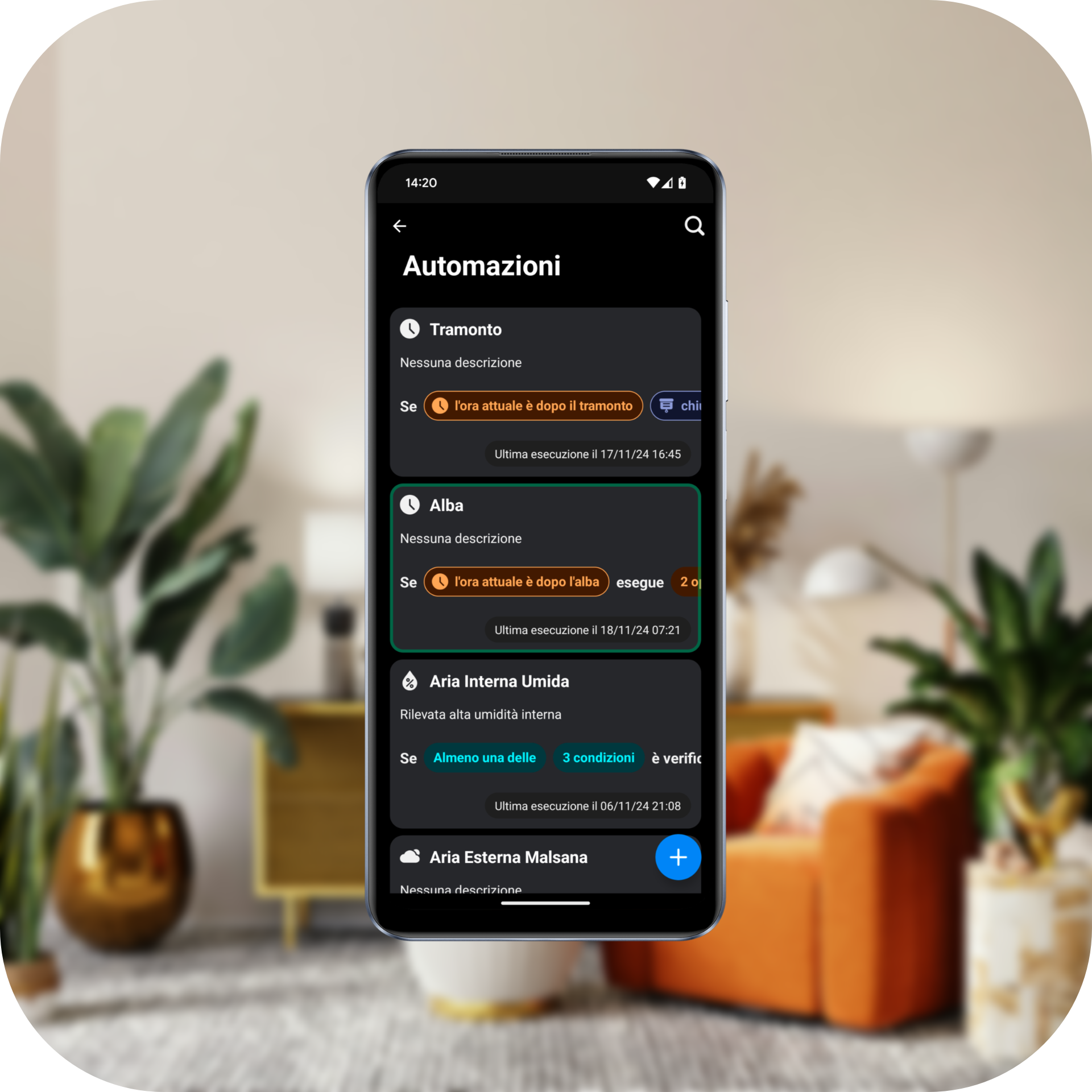
Thanks to Automations, you can make your home smarter by automating daily habits and simplifying interaction with your system.
{% hint style="info" %}
Example: If it rains and everyone is out of the house, then close all the windows.
{% endhint %}
## If this, then that
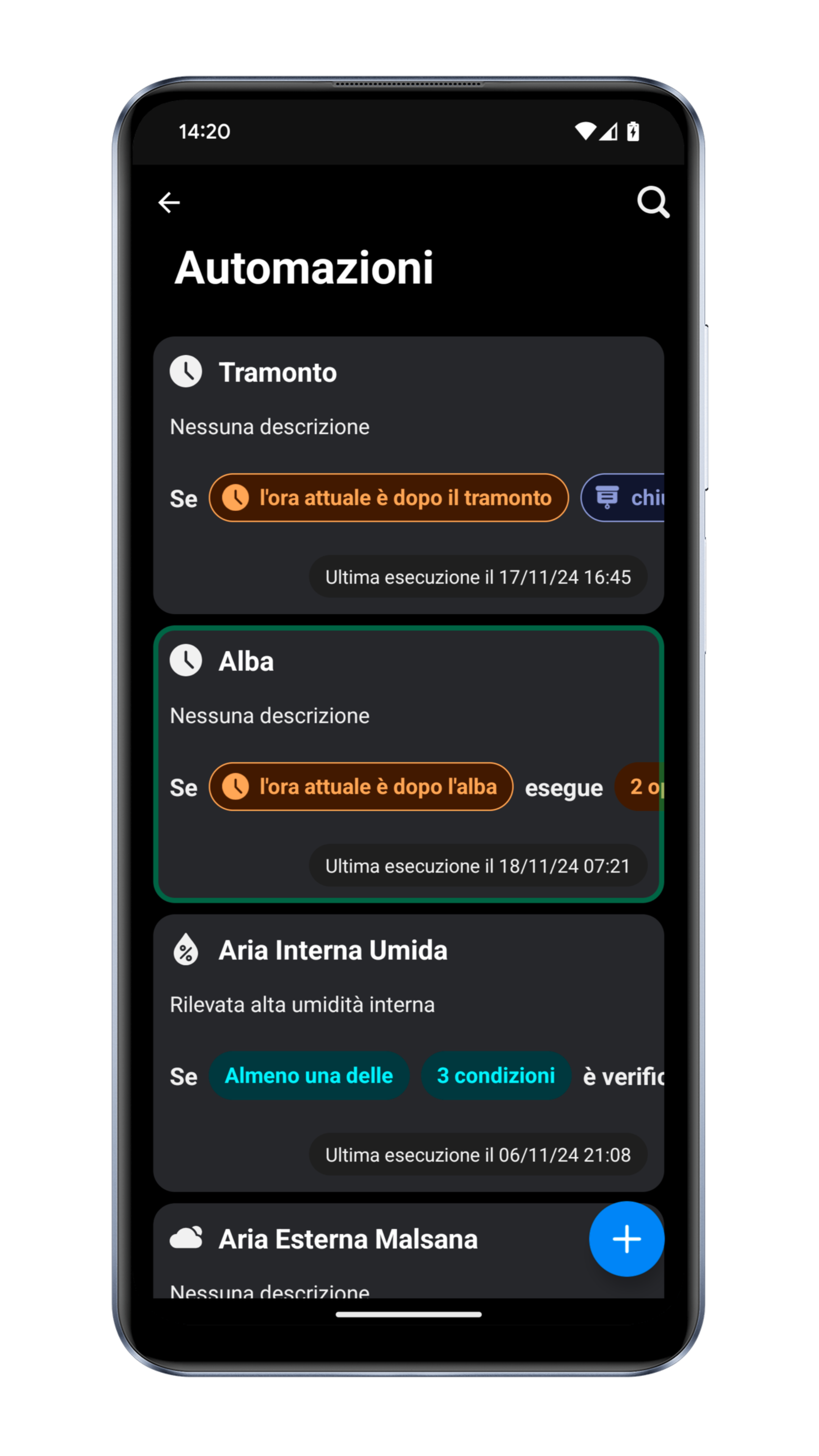
Setting up automations is really easy; each configured command and condition is translated into simple text, so you can check that your rules are set up correctly.
You can always review the latest execution of each automation and check which conditions were met, allowing you to test your configuration. Additionally, each execution is logged in the history, accessible from the app.
The user interface allows for configuring simple automations without risking system compromise. More advanced automations are possible but require the intervention of your trusted technician.
## Example
Click the `+` button in the bottom-right corner.
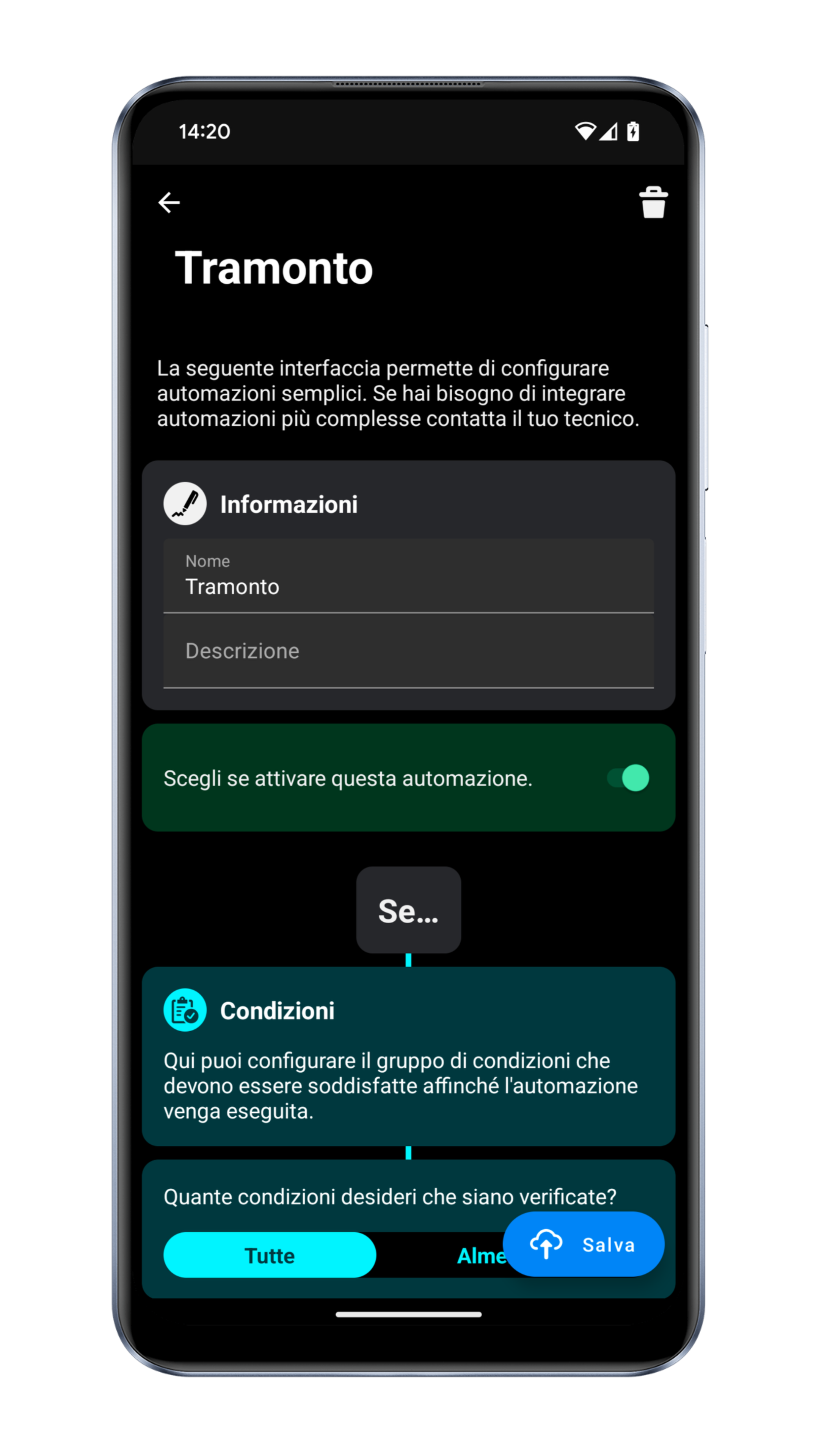
Assign a name and a description to your automation to make it easily recognizable.
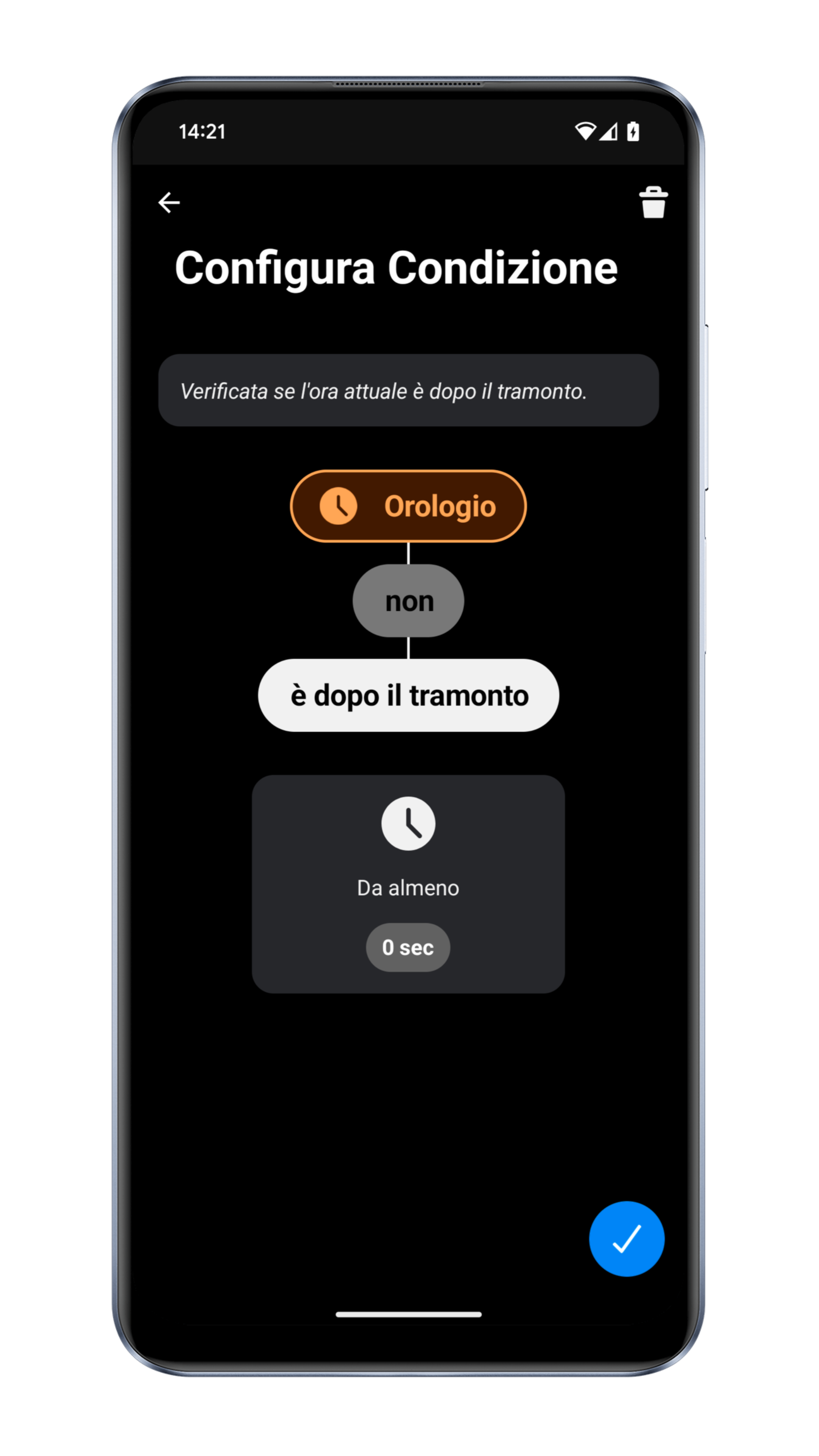
Press the **Set Conditions** button to define the conditions required for the automation to execute.
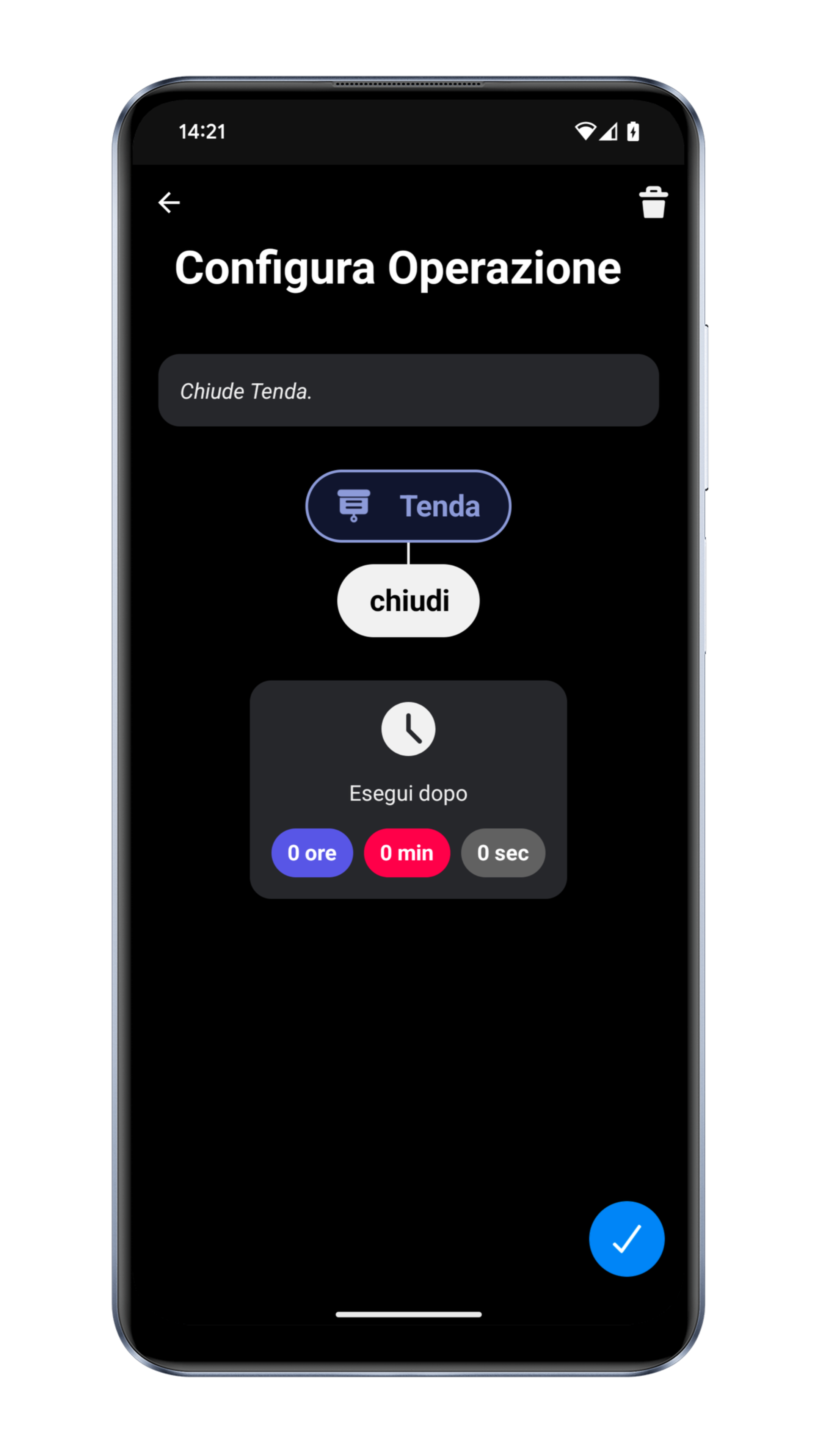
After configuring the conditions, define the desired actions. Press the **Set Operations** button to proceed.
## System Update Check
This feature requires the system to be updated to at least version **24.09.24**. If your system is not updated, ask your technician for a free system update.
{% hint style="warning" %}
Not all systems are currently compatible. If you have any questions, contact us directly.
{% endhint %}