> For the complete documentation index, see [llms.txt](https://docs.ohmautomation.io/llms.txt). Markdown versions of documentation pages are available by appending `.md` to page URLs; this page is available as [Markdown](https://docs.ohmautomation.io/en/ios/guide/universal-search.md).
# Universal Search
Search and interact quickly with your smart system.
## What is Universal Search?
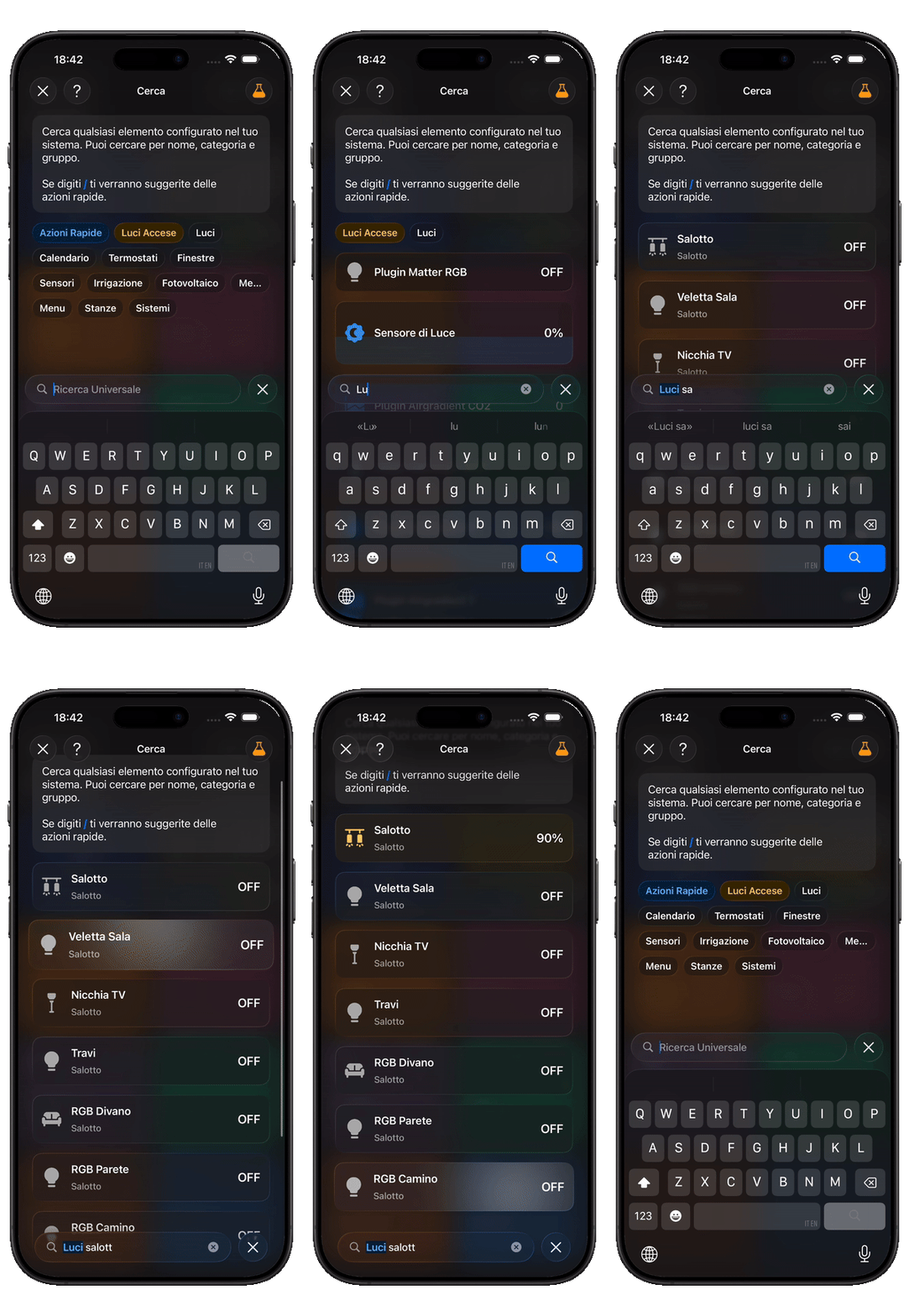
OHMe Universal Search is a powerful tool that lets you find and manage any item in your smart home from a single search bar. No need to browse through complicated menus—everything is accessible in seconds.
{% hint style="warning" %}
You need to update to iOS 26 or later to use this feature.
{% endhint %}
***
### How it works
* By typing a keyword, you can instantly locate devices such as lights, thermostats, sensors, your solar system, and much more.
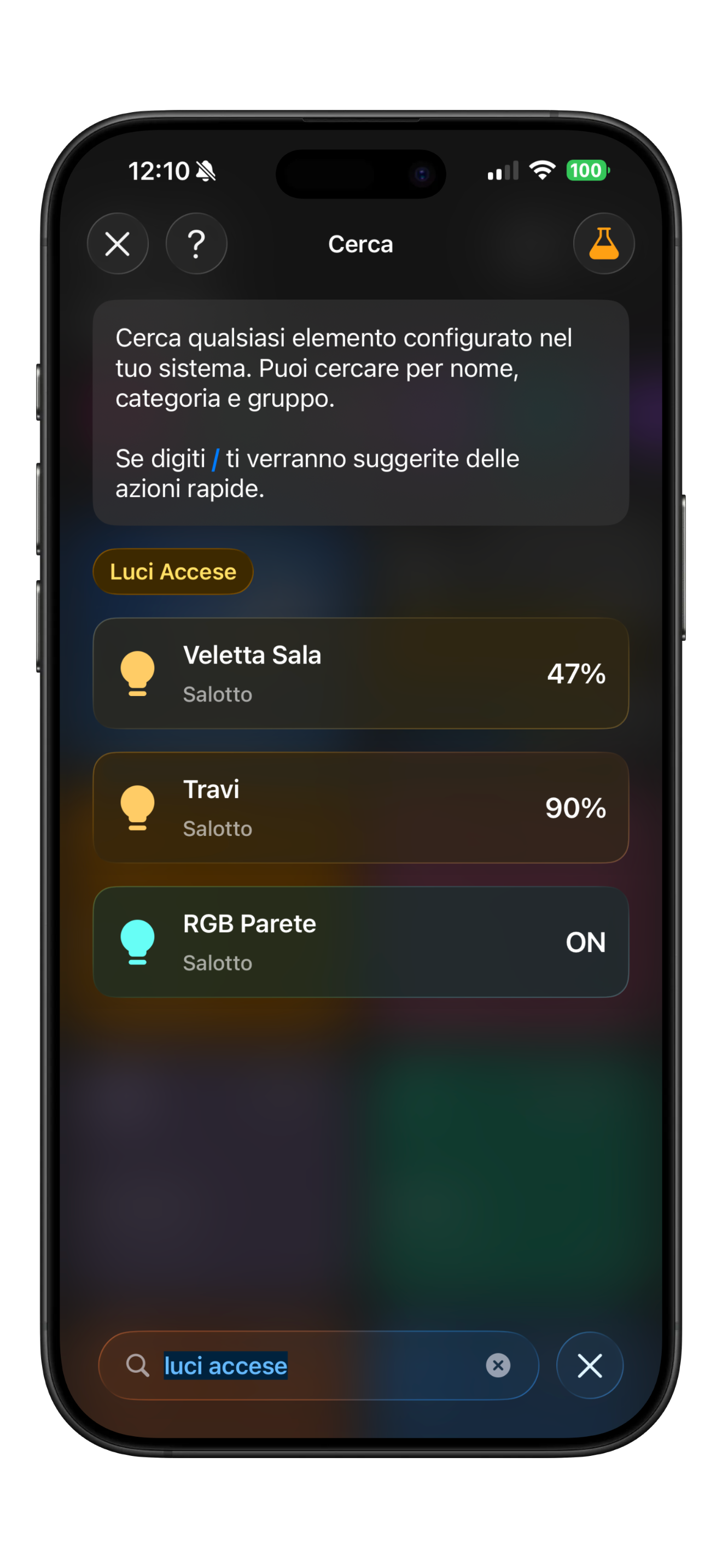
* For example, typing “lights on” shows you immediately which lights are active and allows you to switch them off with a tap.
* By entering a category (like “lights”, “thermostats”, “sensors”), you get a complete overview of all items of that type.
***
### Quick actions
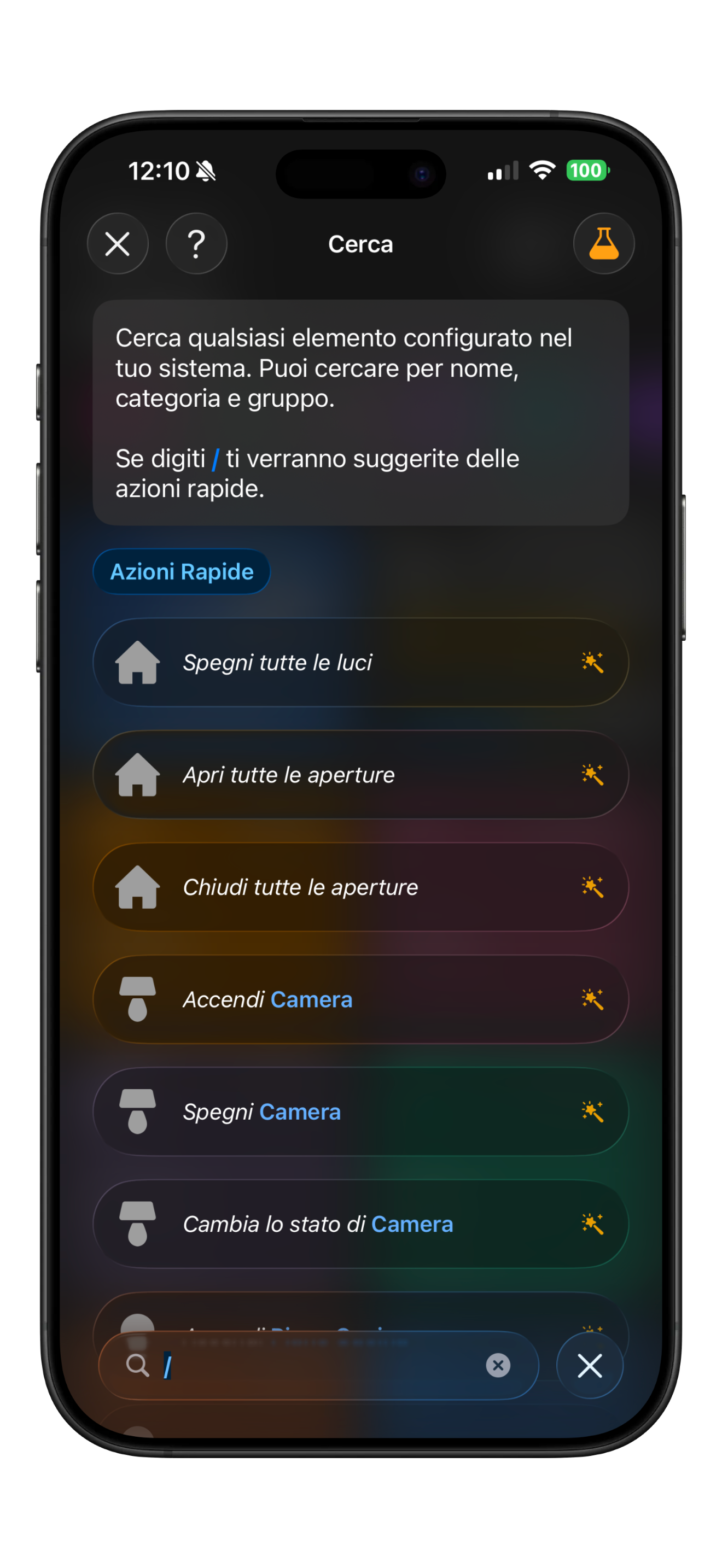
* Not just search and view: you can interact directly with every device.
* Turn devices on or off, set thermostat temperatures, control window or blind openings, start music, change calendar events.
* OHMe suggests smart quick actions, enabling advanced management without navigating multiple menus.
***
### Advantages
* Everything under control in a simple, intuitive way.
* Centralized management: save time and streamline your experience.
* Perform advanced operations quickly, with no unnecessary steps.