> For the complete documentation index, see [llms.txt](https://docs.ohmautomation.io/llms.txt). Markdown versions of documentation pages are available by appending `.md` to page URLs; this page is available as [Markdown](https://docs.ohmautomation.io/en/ios/guide/systems.md).
# Multi System
It may happen that you have multiple systems (home, office, vacation home, etc.) and therefore want to access each of them quickly. This guide explains how to proceed.
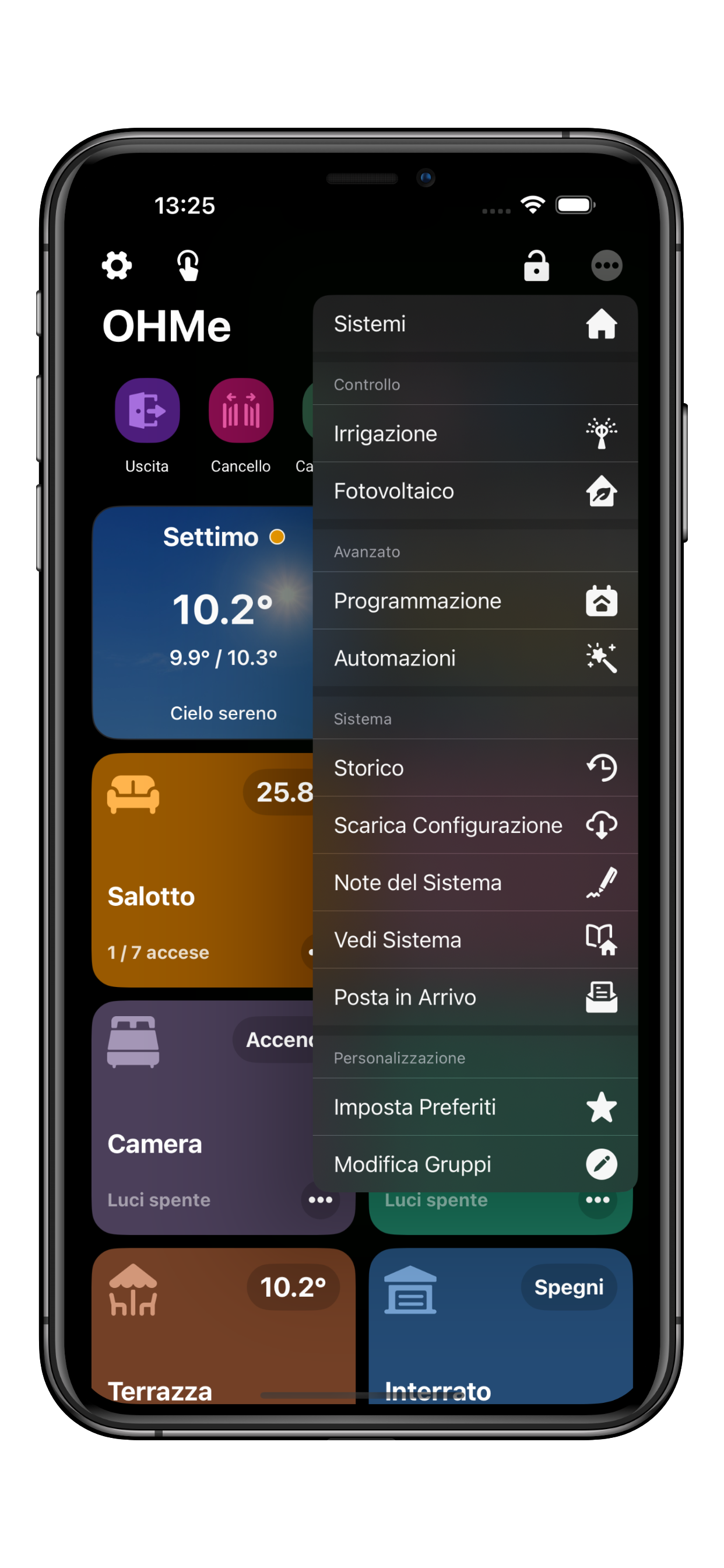
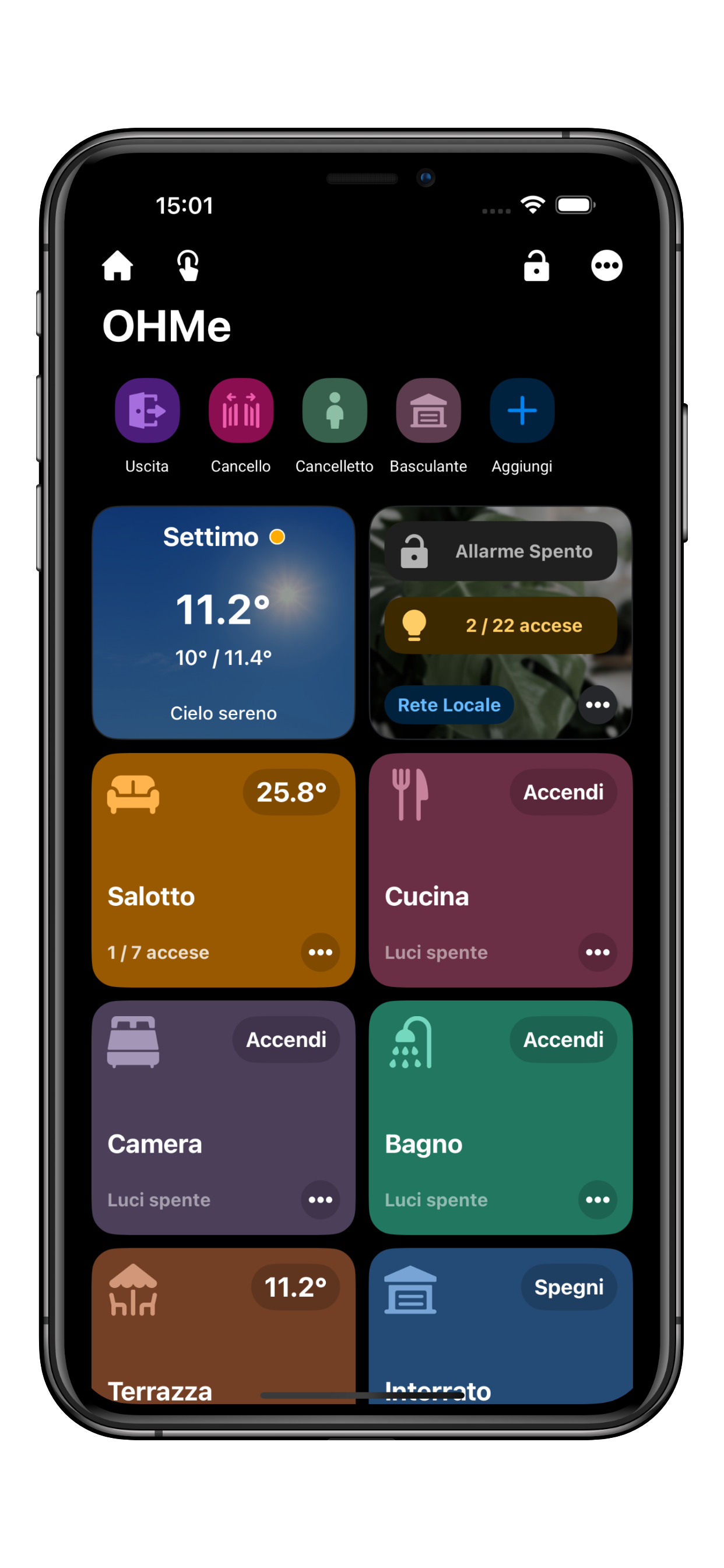
If you are logged into only one system, from the main screen you need to click on •••, then select the **Systems** option.
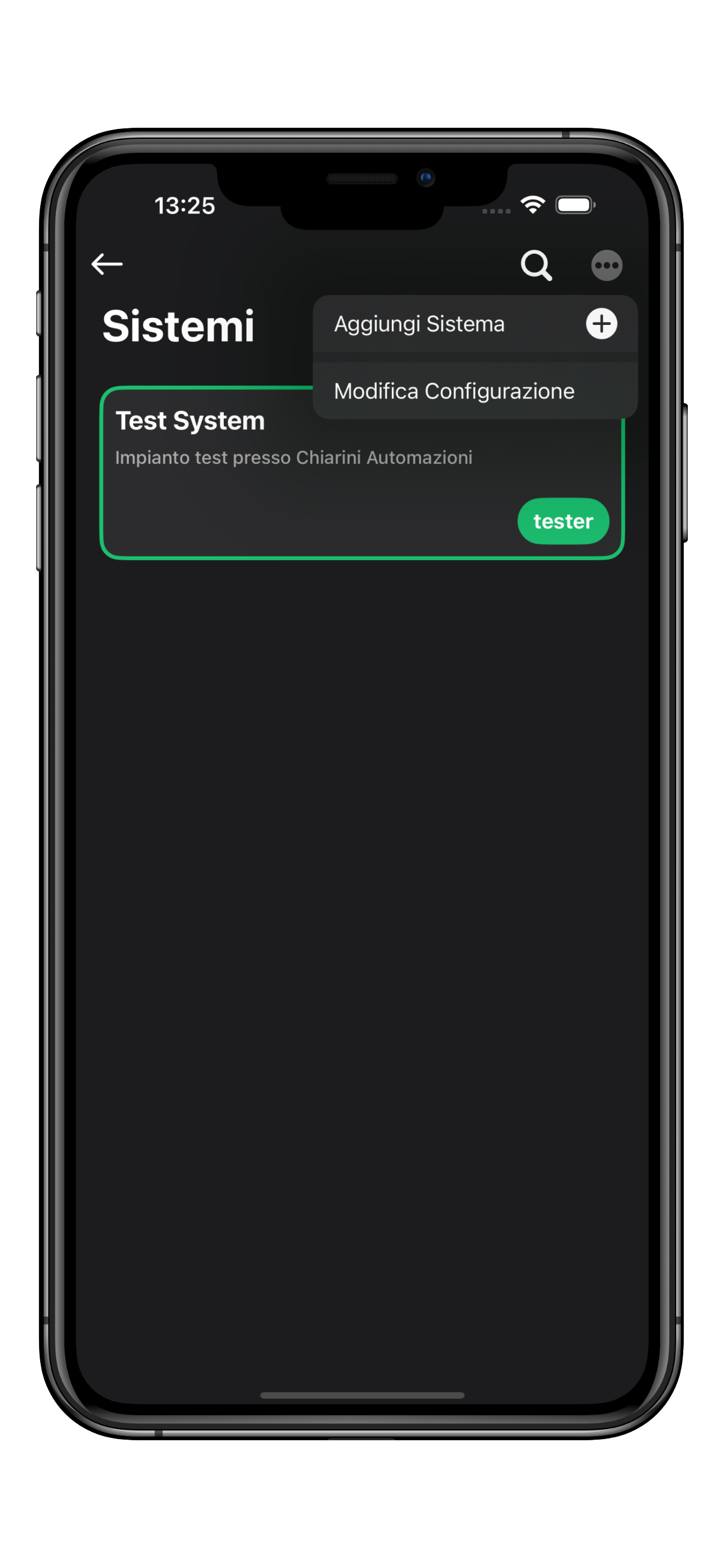
On the Systems page, click on •••, then choose the **Add System** option.
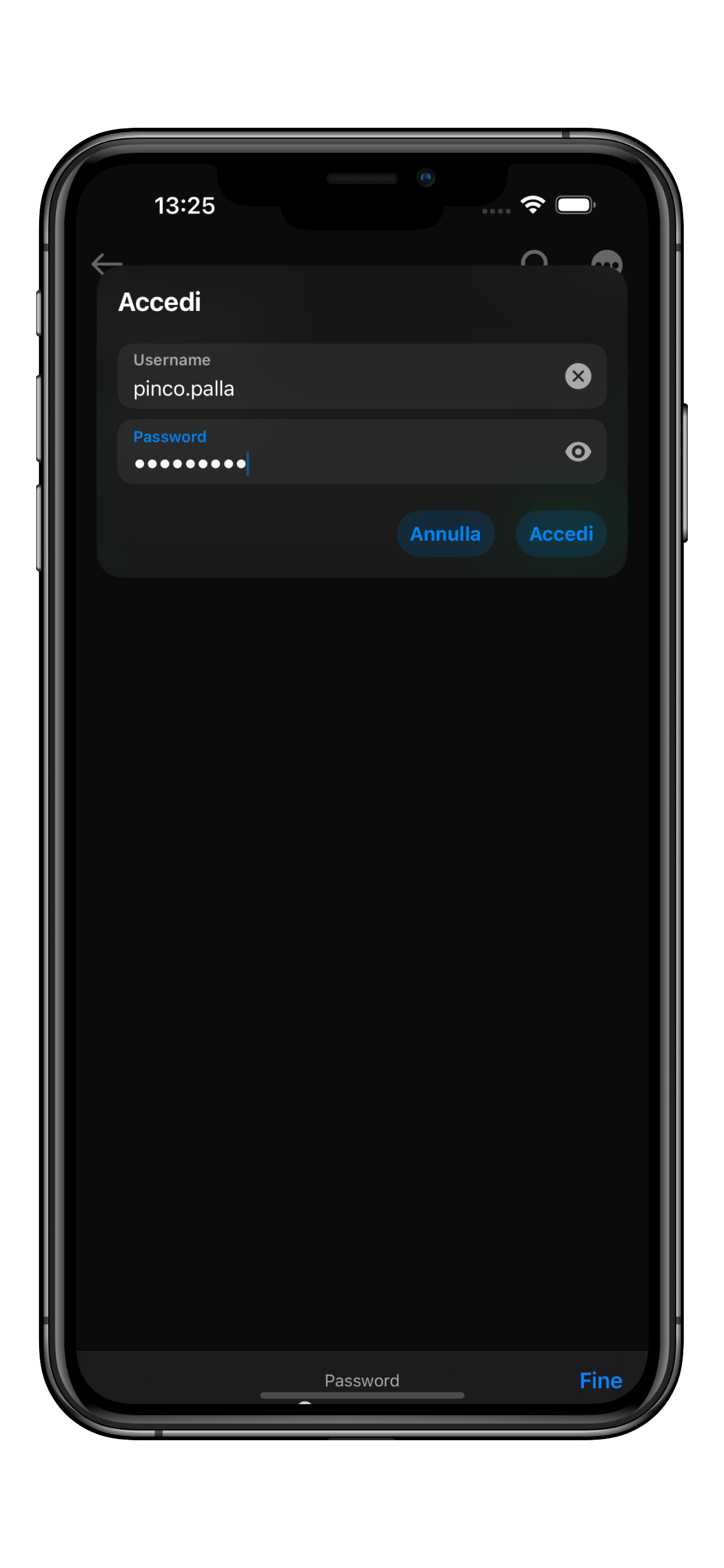
Enter the credentials for the new system and press **Log In**.
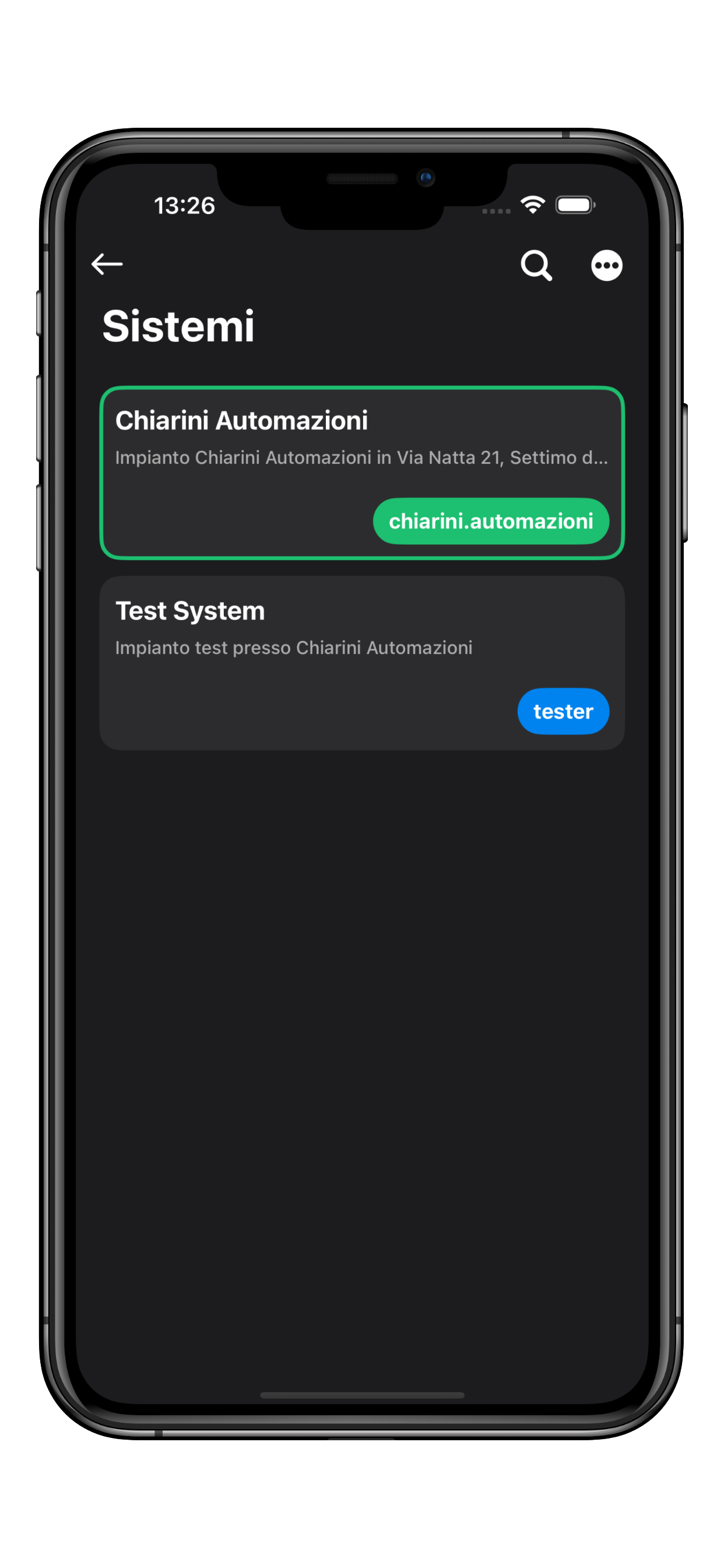
The app will automatically connect to the new system. To switch systems, simply click on the specific box.
Once you have logged into more than one system, a house icon will appear in the top-left corner of the main screen, allowing you to quickly switch between systems.